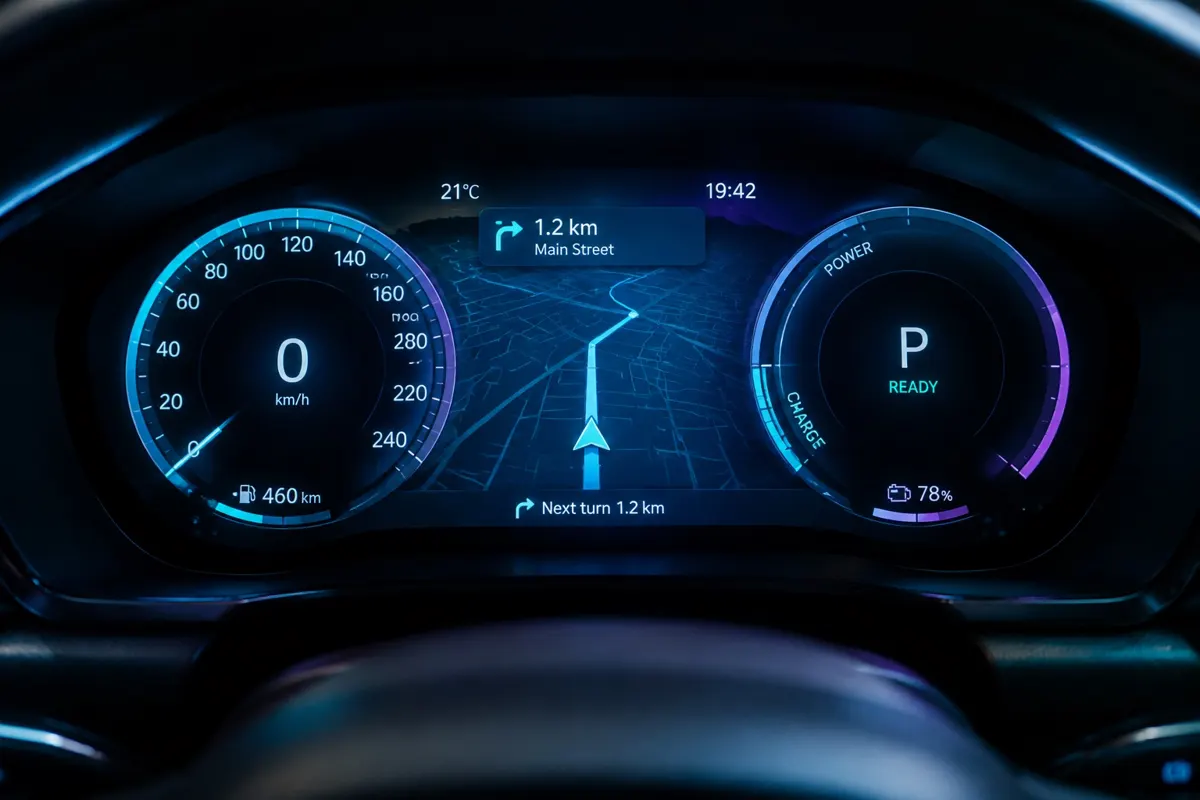
Digital Dashboards
Digital Instrument Clusters
A screen behind the steering wheel that replaces analog gauges with configurable displays.
Learn what digital instrument clusters, infotainment systems, climate interfaces, head-up displays, and electronic seats do, and how drivers use them every day.
Interior Technology Library
Open any panel to see what the feature is, what it does, and how drivers commonly use it.
Digital Dashboards
A screen behind the steering wheel that replaces analog gauges with configurable displays.
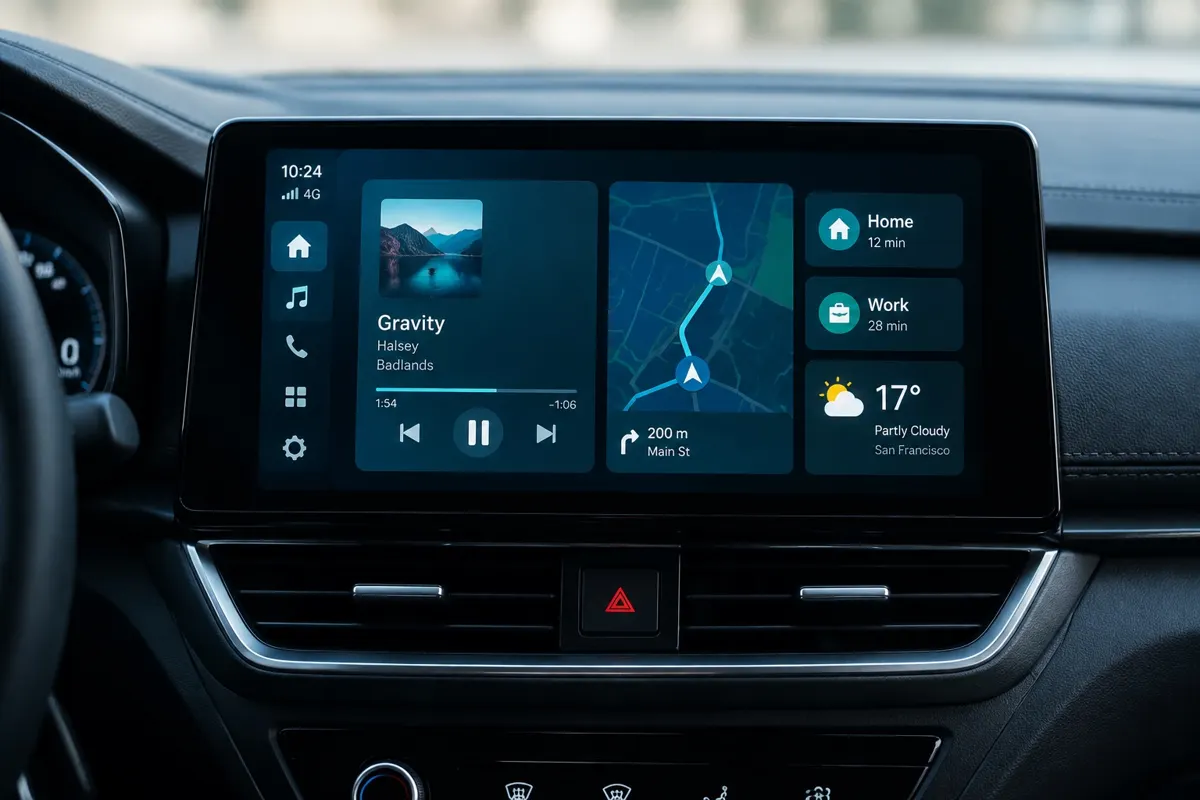
Infotainment Technology
The central screen that brings audio, navigation, phone, and vehicle settings together.
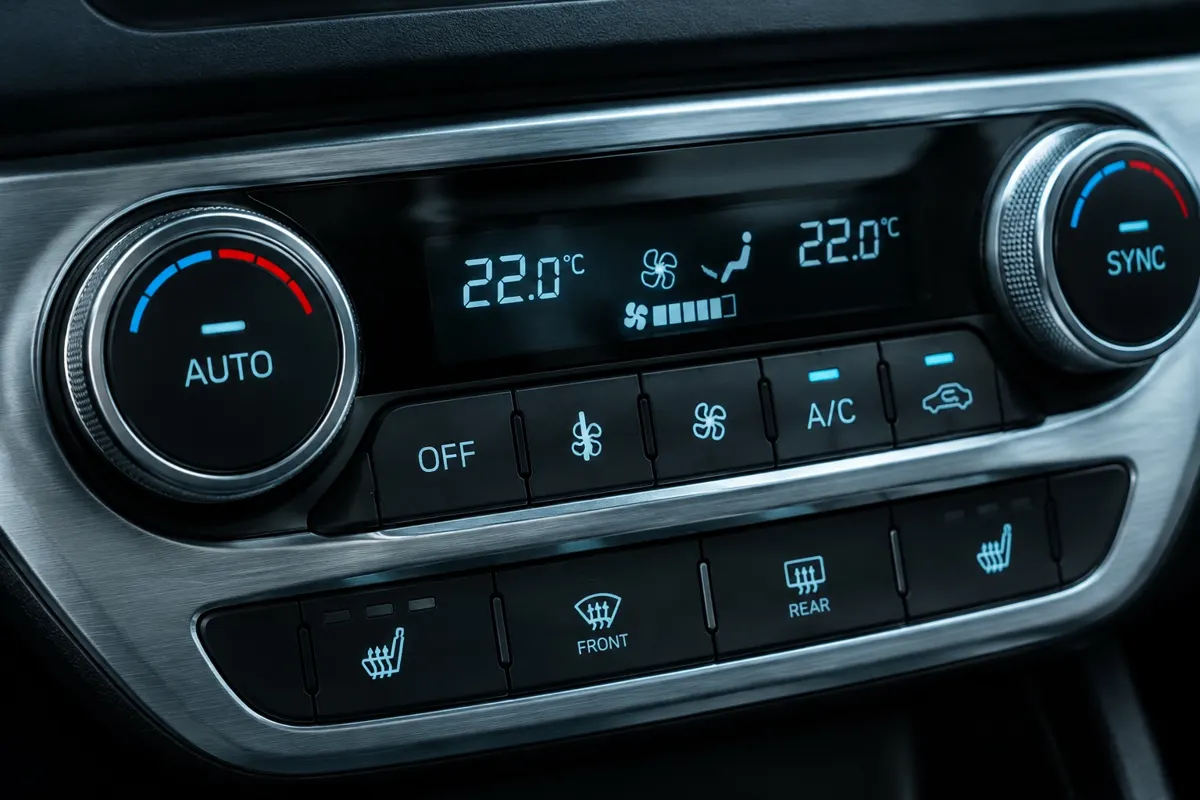
Climate Controls
Dials, buttons, or screens that manage temperature, airflow, and defrosting.
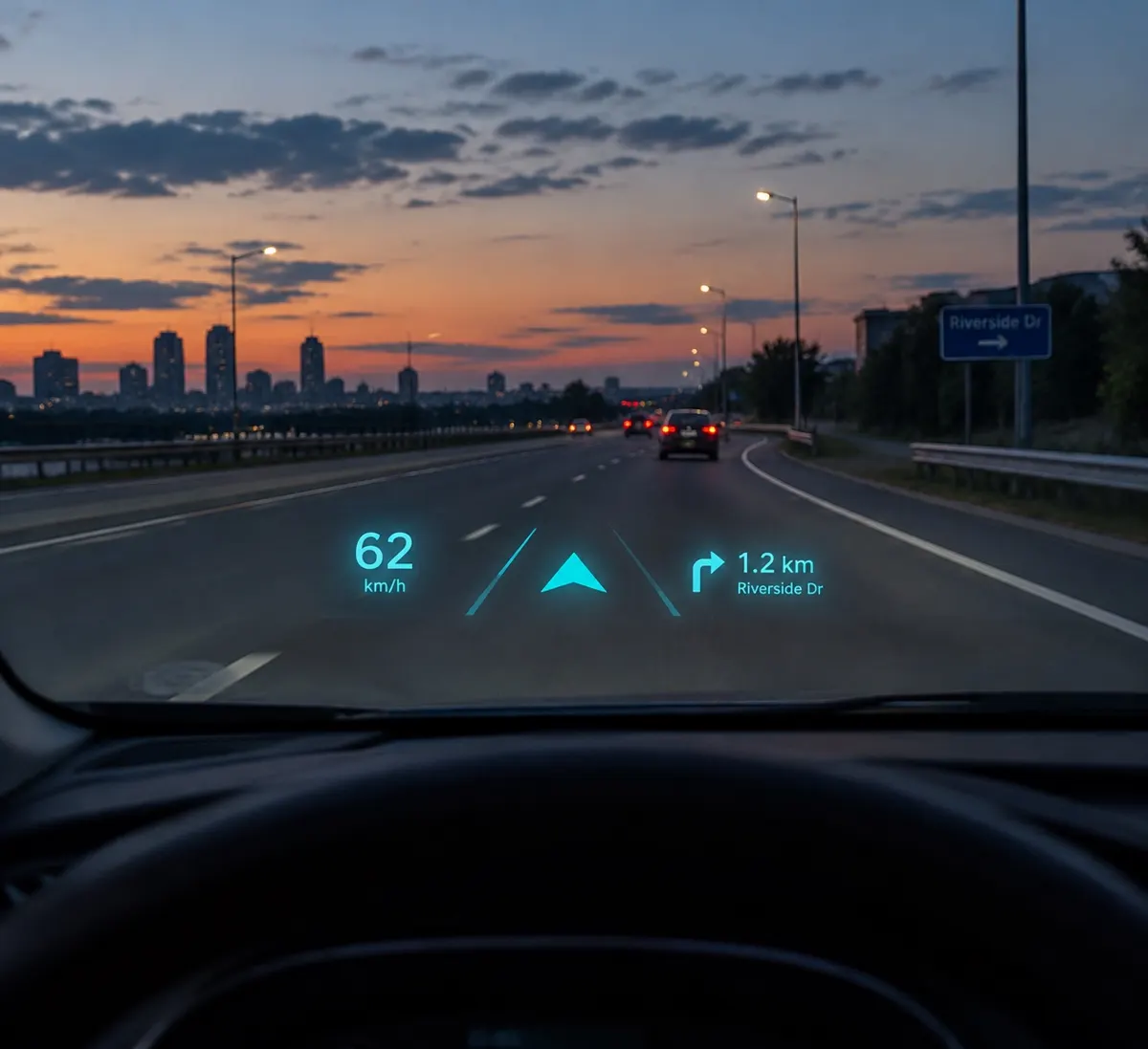
Head-Up Displays
Key driving details projected into the driver's line of sight on the windshield.
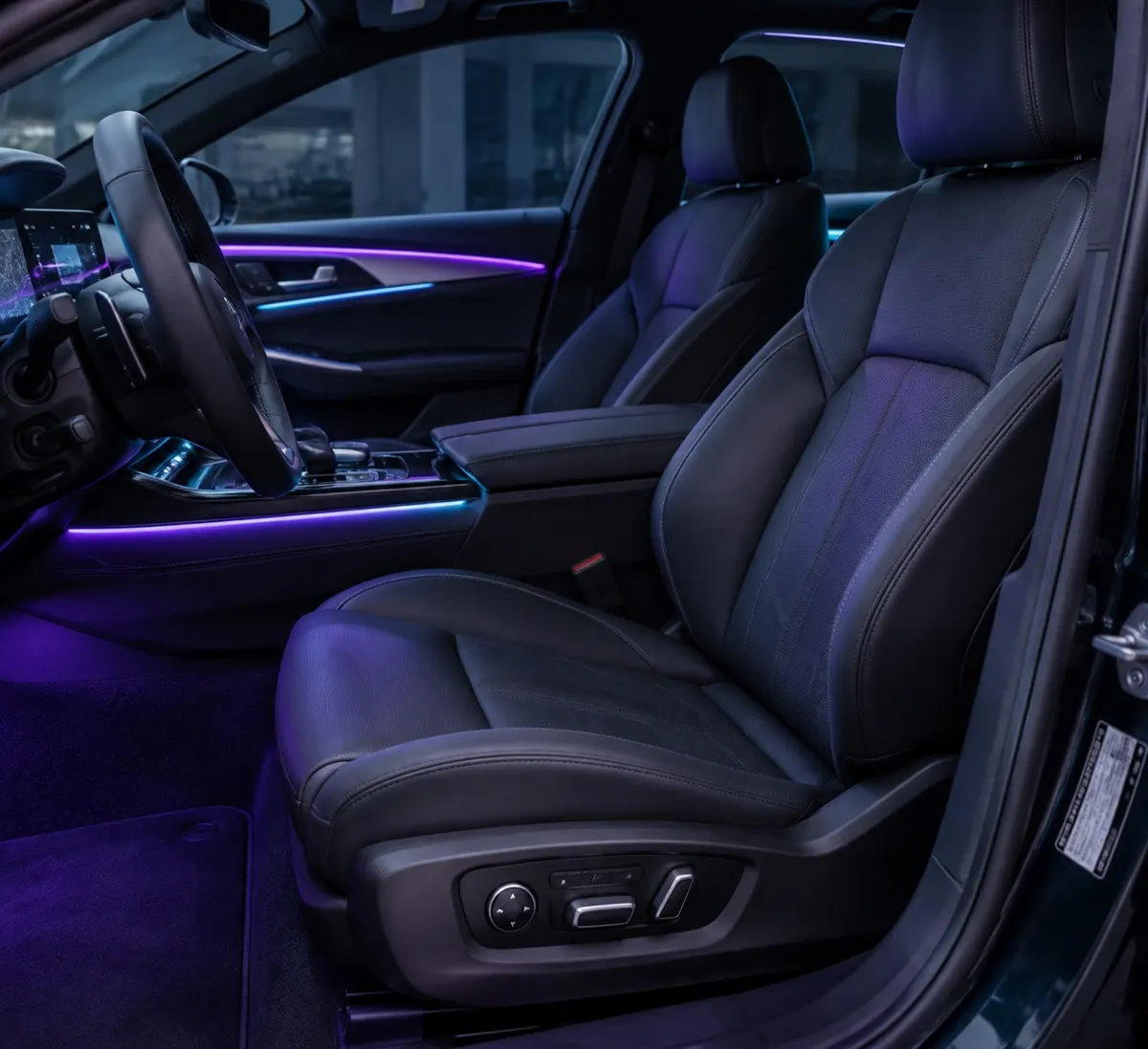
Interior Electronics
Powered adjustments, memory positions, heating, ventilation, and lumbar support.
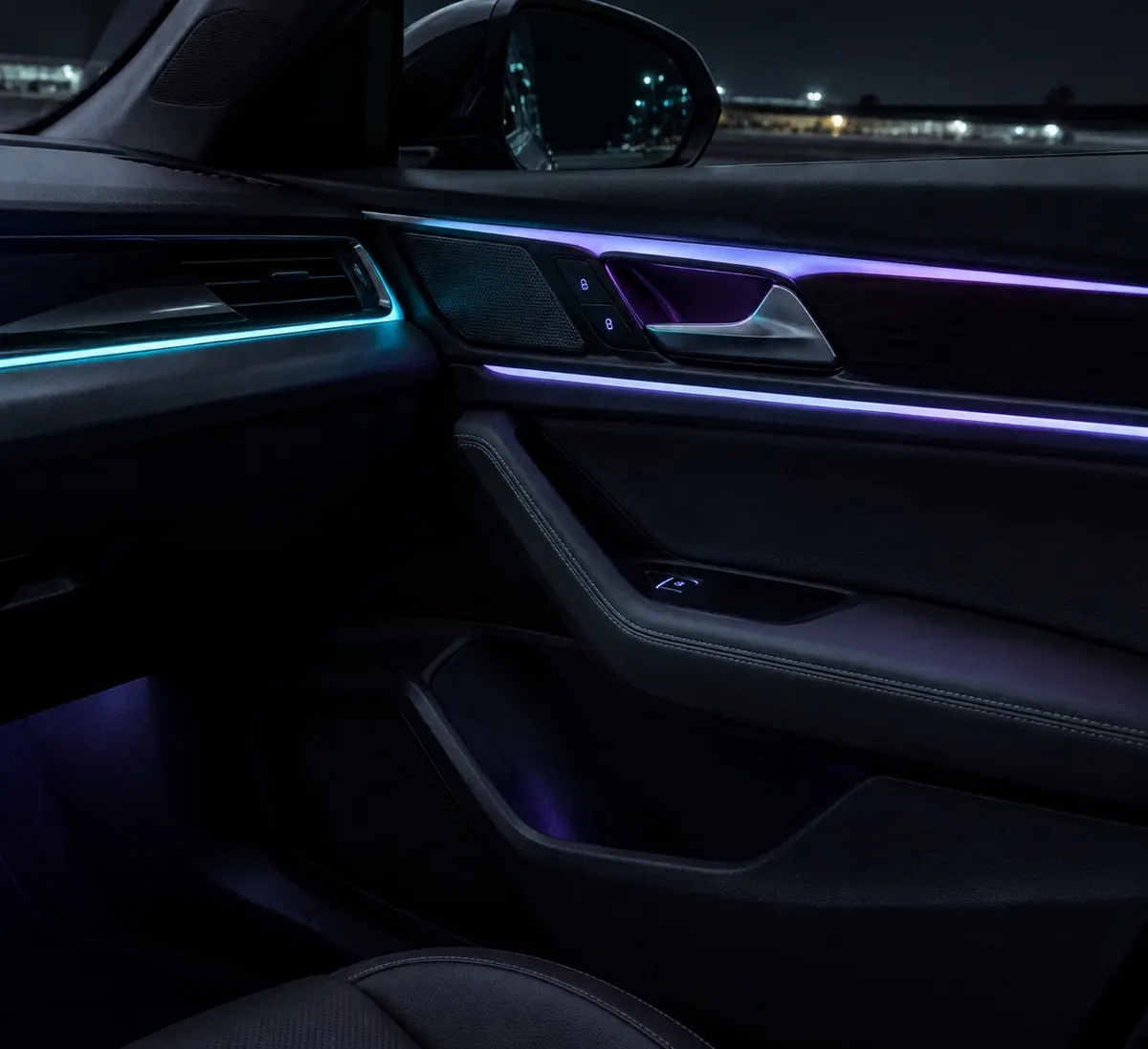
Cabin Features
Ambient light strips, reading lights, and footwell lighting that shape the cabin at night.
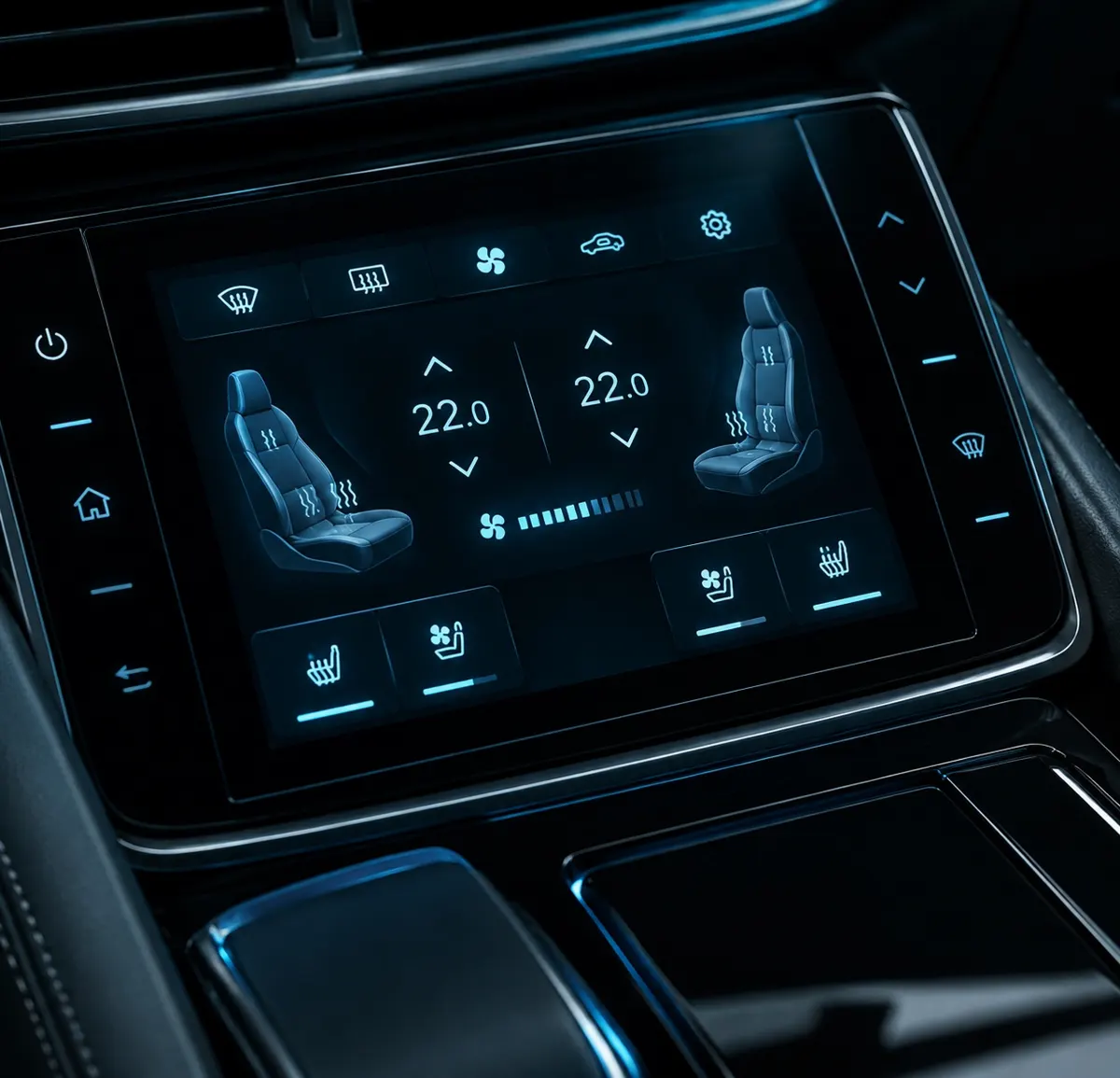
Interior Electronics
Glass panels and on-screen buttons that replace many physical switches.
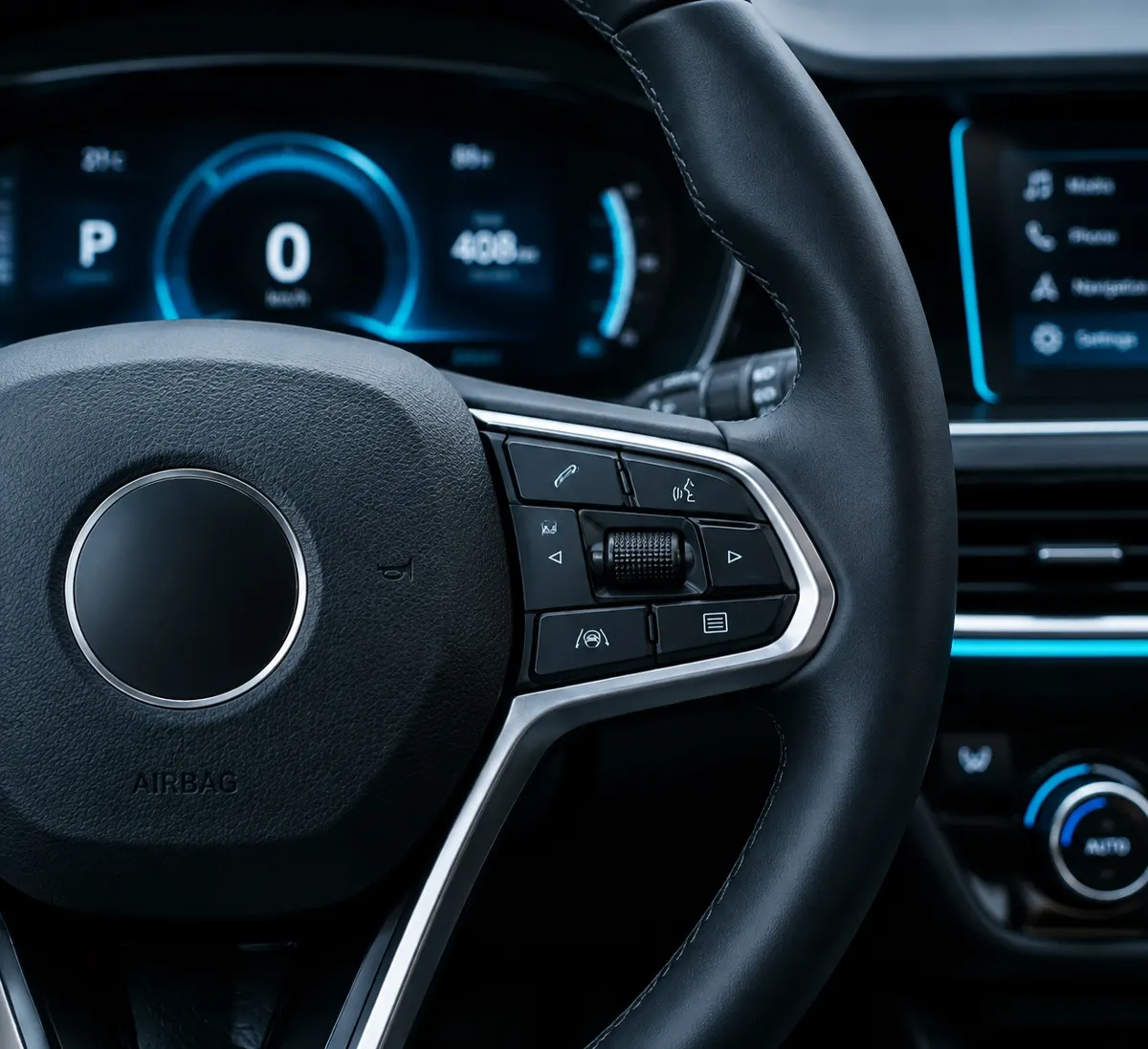
Interior Electronics
Buttons and scroll wheels on the wheel spokes for audio, calls, voice, and display menus.
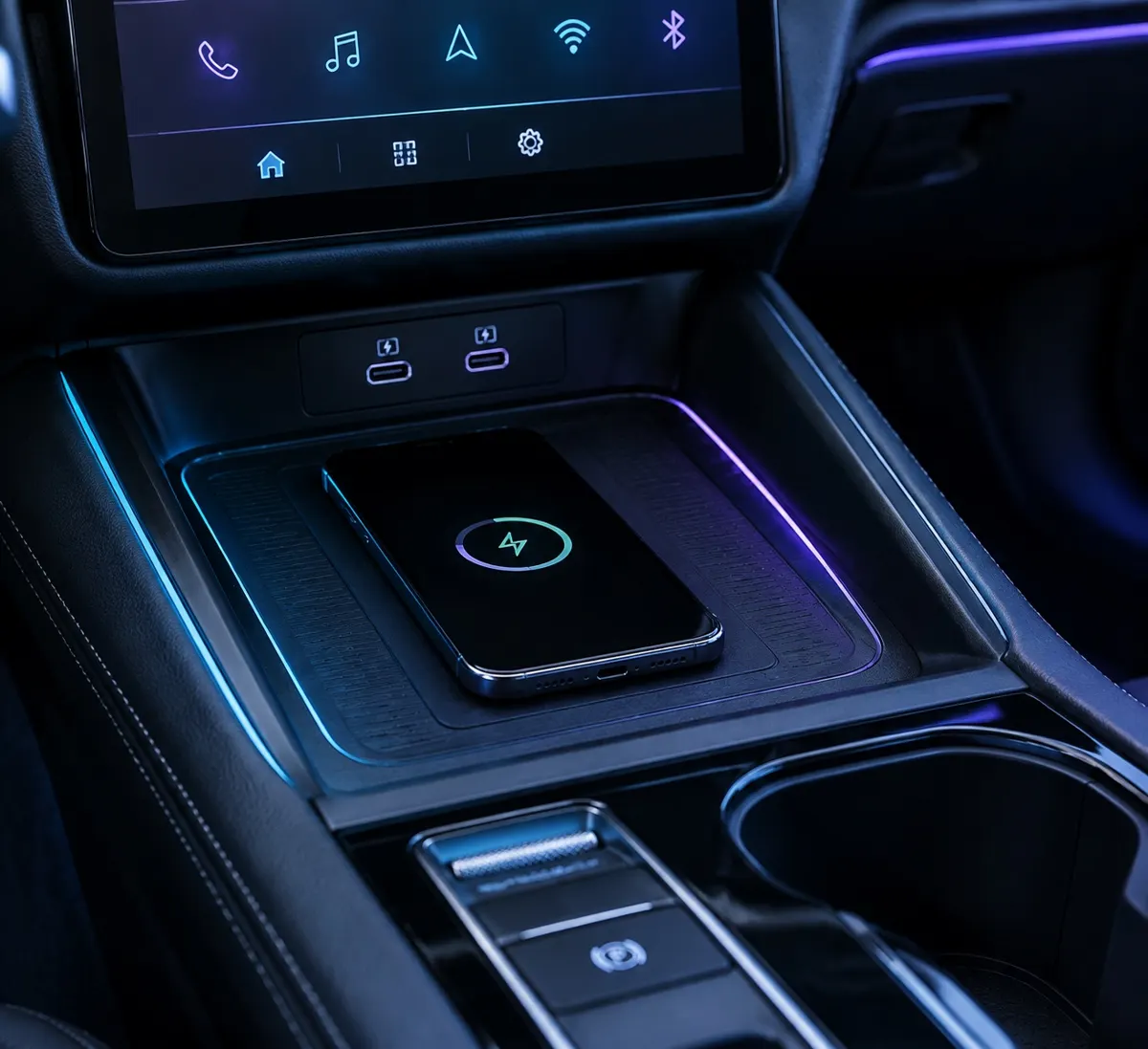
Cabin Features
Phone mirroring, wireless charging, Wi-Fi hotspots, and over-the-air software updates.
Interactive Dashboard
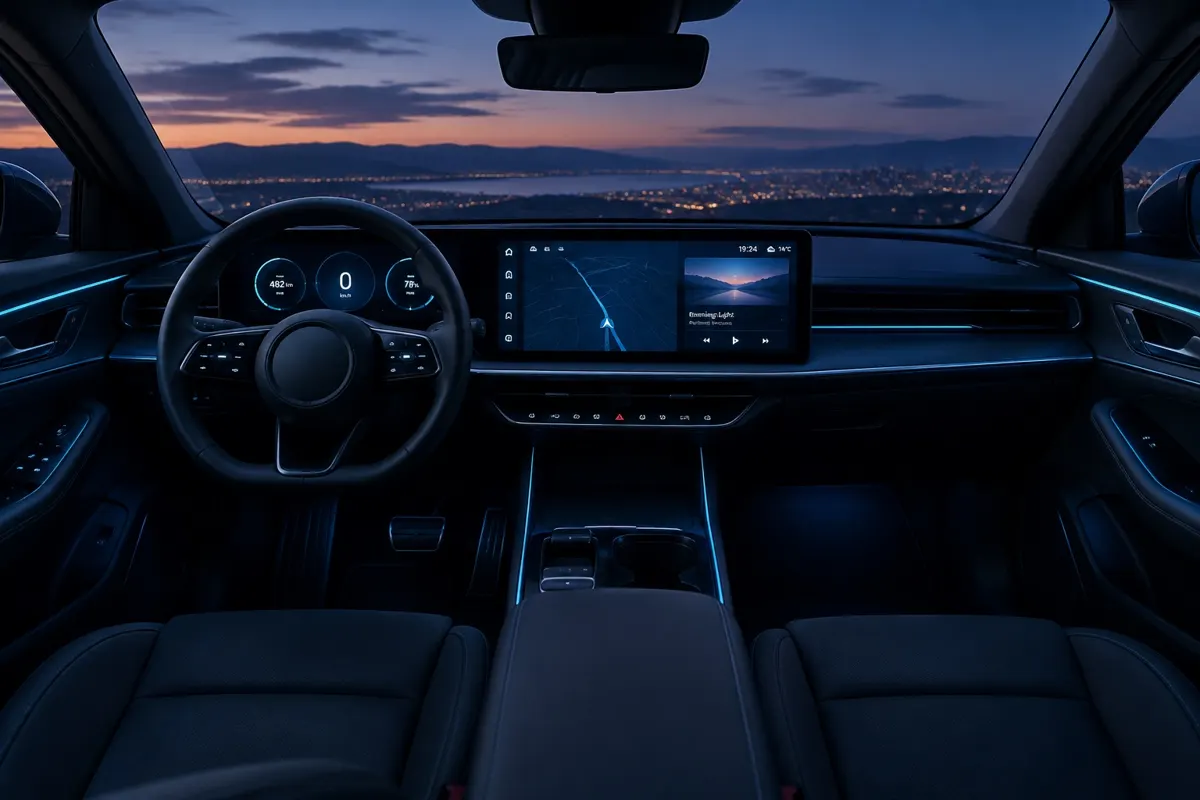
Head-Up Display
Projects speed and turn arrows onto the windshield, close to the driver's line of sight.
Clickable diagrams and short explainers organized by cabin area.
Step-by-step walkthroughs for clusters, head-up displays, and controls.
Plain-language articles about screens, menus, and phone connection.
Explanations of seats, lighting, climate, and connected features.
Quick definitions of the terms you see in manuals and menus.
Expandable panels that show what a feature is, what it does, and how it is used.
Optional text messages with interior technology explanations, by request only.