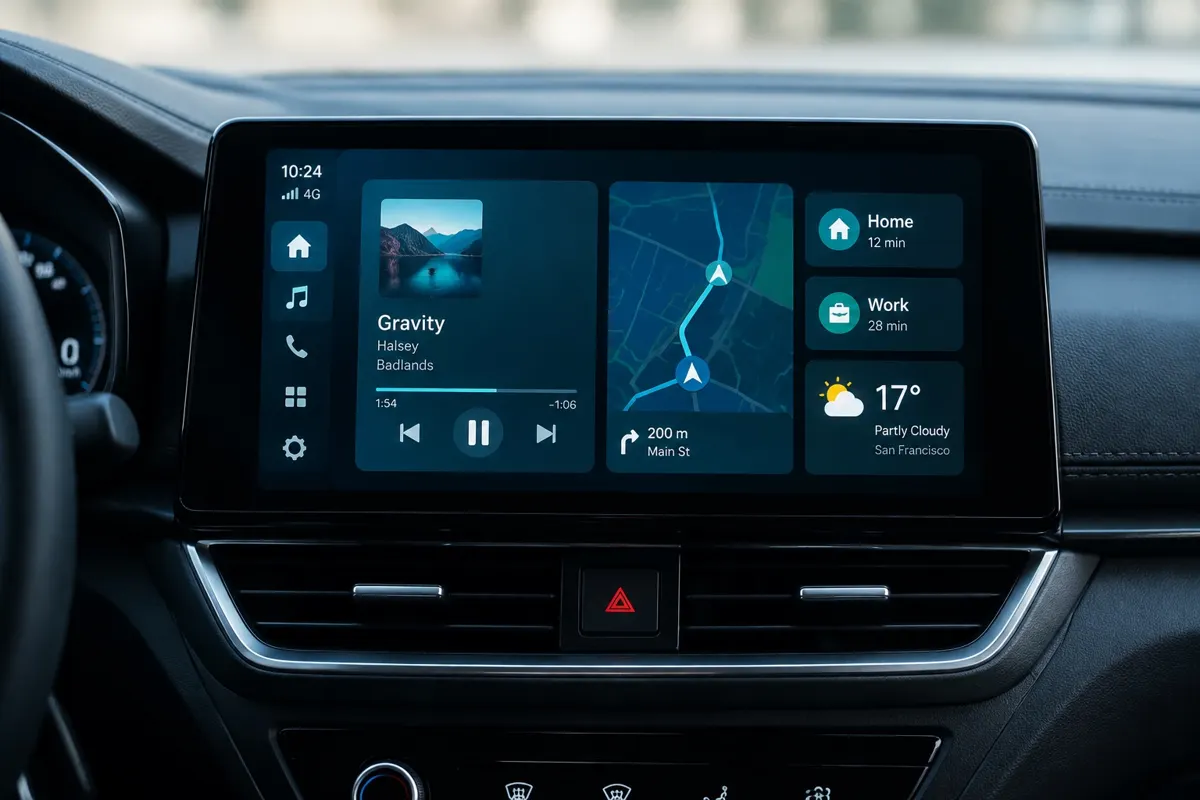
Infotainment Technology
Infotainment Systems
The central screen that brings audio, navigation, phone, and vehicle settings together.
Infotainment Technology
The center screen has become the hub of the cabin. Learn how its menus, connections, and updates fit together.
Infotainment Technology
The central screen that brings audio, navigation, phone, and vehicle settings together.
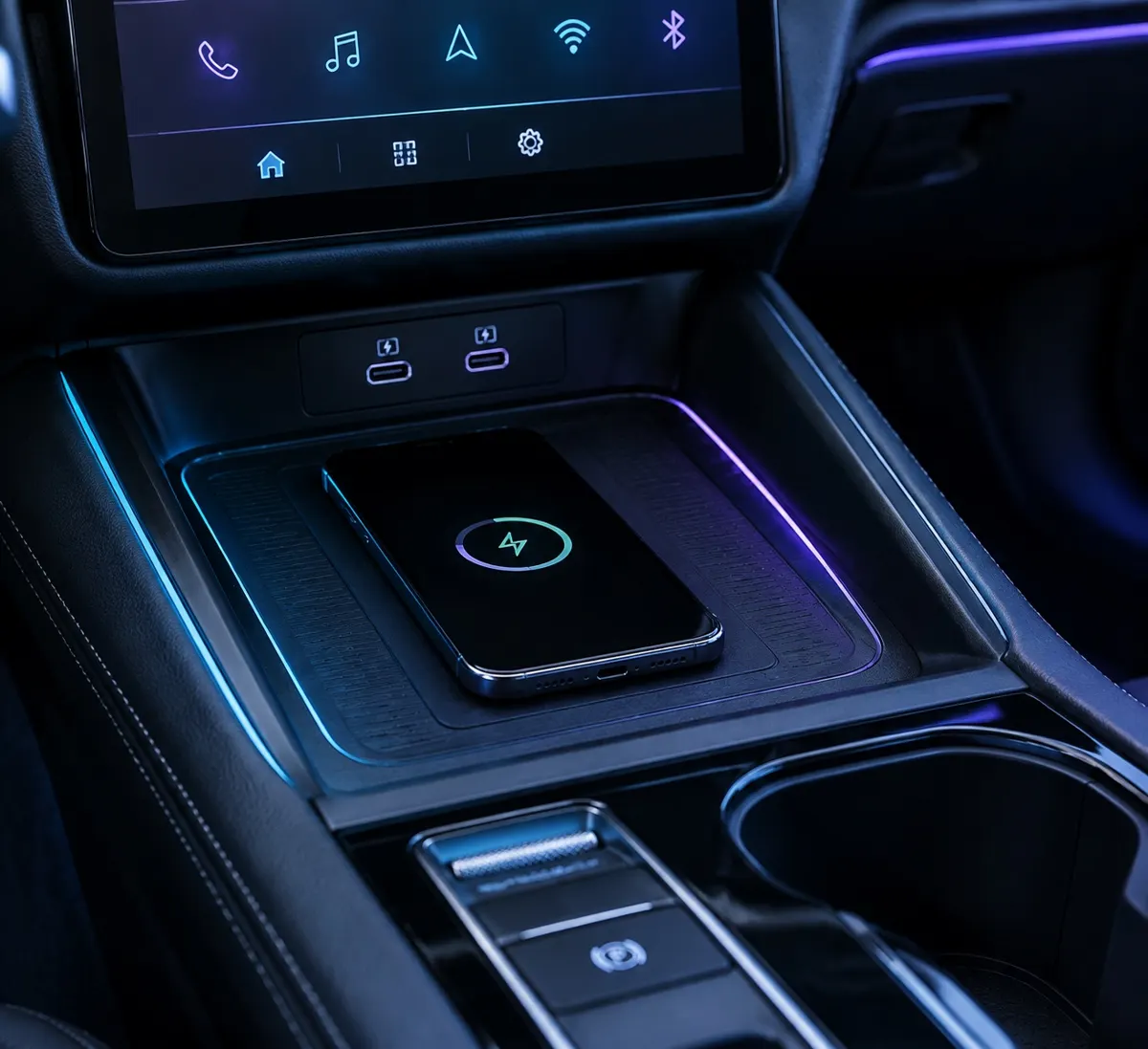
Cabin Features
Phone mirroring, wireless charging, Wi-Fi hotspots, and over-the-air software updates.
Radio, streaming audio, and audio sources connected by Bluetooth or cable.
Built-in maps or phone-based maps shown on the center screen and often in the cluster.
Hands-free calling, messages read aloud, and voice assistants.
Driver profiles, display brightness, lighting, and sound preferences.